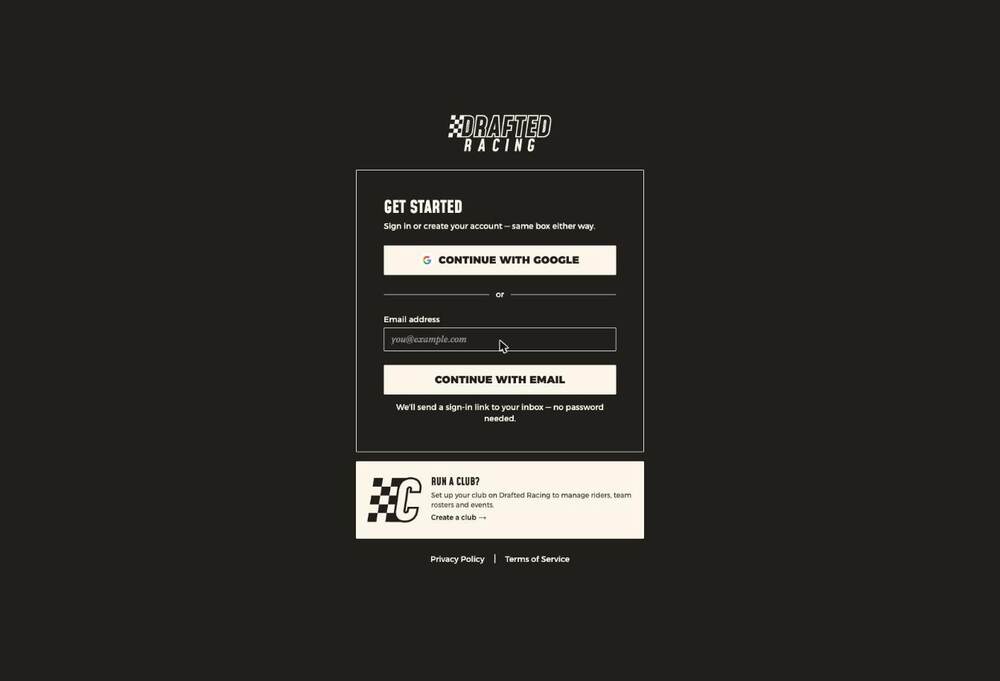
Club creation starts from the sign-in page — the Run a club? card, then Create a club. It's a separate entry point from rider sign-up.
What happens next
Creating a club gives you a club space of your own — your own URL, your own teams, riders and race calendar. You become its first commissioner.
The order that works
Full detail in Setting up your club, but the short version, because doing it in the wrong order creates work:
- Sign in and set yourself up as a rider, so you see what your riders see.
- Set your race types in Settings first — they gate every other option in the product.
- Turn on club recruiting and send the link to your prospective captains.
- Create the teams and assign those captains.
- Let each captain recruit their own riders with the invite code on their team page.
✅ Why hand it to the captains
Captains know who's in their squad, what category they ride and whether they'll actually turn up. Giving them the invite code turns one person's data-entry job into six people's five-minute job — and riders arrive already attached to the right team.
🚧 DRAFT NOTE — the create-a-club flow itself hasn't been captured. The screens between clicking "Create a club" and having a working club space aren't documented here yet. Remove this note once they are.